
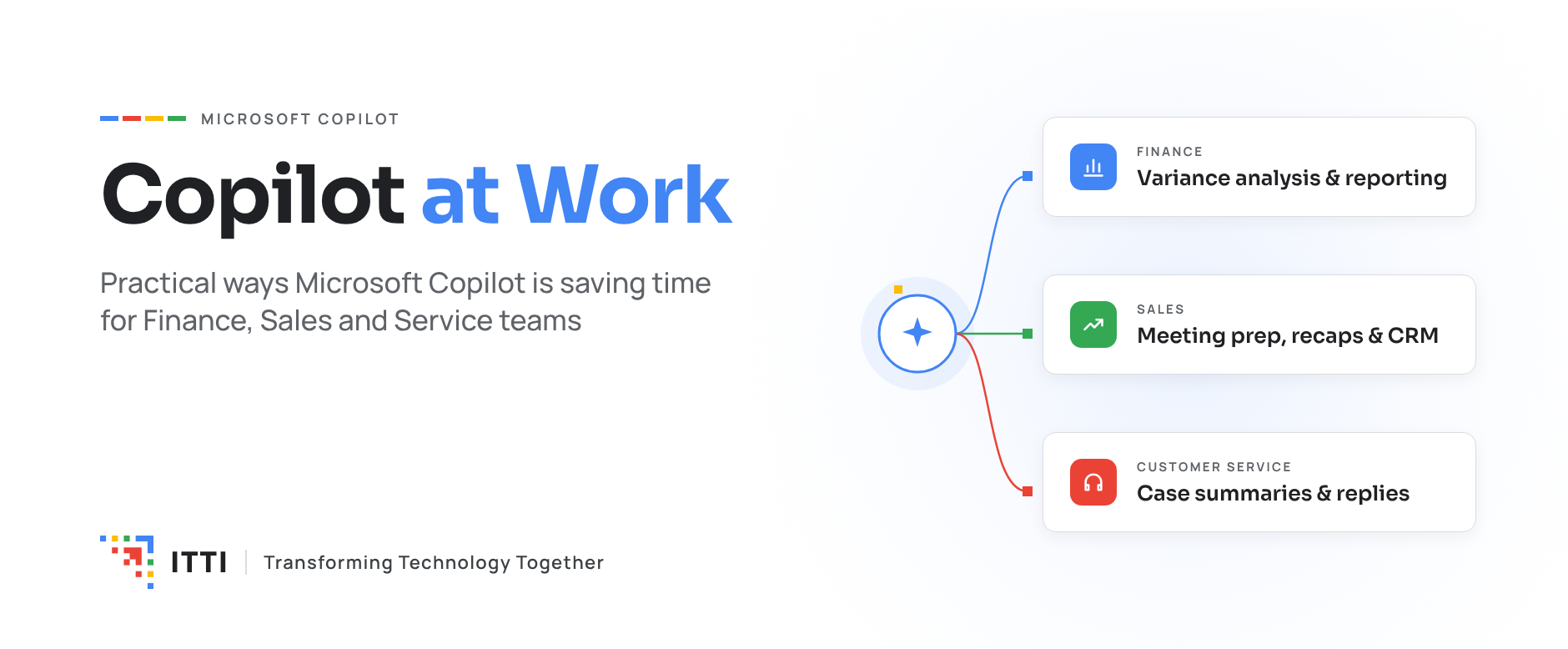
Copilot at Work: Practical Ways Microsoft Copilot Is Saving Time for Finance, Sales and Service Teams
Generative AI has moved past the pilot stage. For finance, sales and service teams, Microsoft Copilot is already removing hours of routine work every week.
The conversation around AI has shifted. Business leaders are no longer asking what AI could do someday. They want to know where it saves time today, and how to scale it safely.
Microsoft Copilot answers that question inside the tools teams already use: Outlook, Teams, Excel, and Dynamics 365. Because it works with your business data and within your existing security model, it fits into daily work rather than adding another system to learn.
Here are practical ways teams are putting it to work.
Finance: Faster Close, Sharper Insight
Finance teams spend a large share of their time gathering, reconciling and explaining numbers. Copilot takes on much of that groundwork so analysts can focus on judgment.
- Variance analysis: Ask Copilot in Excel to compare actuals against budget and explain the main drivers in plain language.
- Reconciliation support: Match transactions across data sets and flag exceptions for review, instead of checking line by line.
- Collections follow-up: Draft personalized payment reminders using customer and invoice context from your ERP.
- Management reporting: Turn spreadsheets and commentary into a first draft of a monthly summary or board update.
The impact: Less time compiling, more time advising the business.
Sales: More Time With Customers
Sellers often spend more time on admin than on selling: updating CRM records, preparing for meetings and writing follow-ups. Copilot connects Microsoft 365 with your CRM to reduce that load.
- Meeting preparation: Get a quick brief on an account, its open opportunities and recent interactions before a call.
- Meeting recaps: Summarize Teams calls, capture action items and suggest next steps automatically.
- Email drafting: Write tailored follow-ups grounded in deal history, then refine and send in minutes.
- CRM updates: Log activities and update opportunity details in Dynamics 365 without leaving Outlook or Teams.
The impact: Cleaner pipeline data and more time spent on conversations that move deals forward.
Customer Service: Faster, More Consistent Resolution
Service agents juggle case histories, knowledge articles and customer expectations at the same time. Copilot gives them the right context at the right moment.
- Case summaries: Get up to speed on a long or escalated case in seconds, without scrolling through every note.
- Suggested responses: Draft replies to emails and chats using approved knowledge articles and case details.
- Knowledge answers: Ask questions in natural language and get answers drawn from your internal knowledge base.
- Smoother handoffs: Generate clear wrap-up notes so the next agent or team picks up without repeating questions.
The impact: Shorter handling times, more consistent answers and faster onboarding for new agents.
Turning Licenses Into Measurable Value
Buying Copilot licenses is the easy part. Organizations that see real returns get three things right:
- Data readiness: Copilot is only as useful as the data it can reach. Clean, well-structured and properly permissioned data in Dynamics 365, SharePoint and your data platform comes first.
- Governance and security: Clear access controls and data policies ensure Copilot surfaces the right information to the right people.
- Adoption with purpose: Start with specific, high-frequency tasks, train teams on real scenarios, and measure time saved against a baseline.
How ITTI Helps
As a Microsoft Dynamics 365, Data & Analytics and AI partner, ITTI helps organizations move from Copilot curiosity to everyday results.
- Identify the use cases with the highest time savings for your finance, sales and service teams
- Prepare your data, security and Dynamics 365 environment for Copilot
- Deploy and extend Copilot with custom agents built for your processes
- Drive adoption through role-based training and measurable success metrics
Copilot is no longer a future capability. It is a practical tool your teams can use today, with the right foundation in place.
Transforming Technology Together.
